
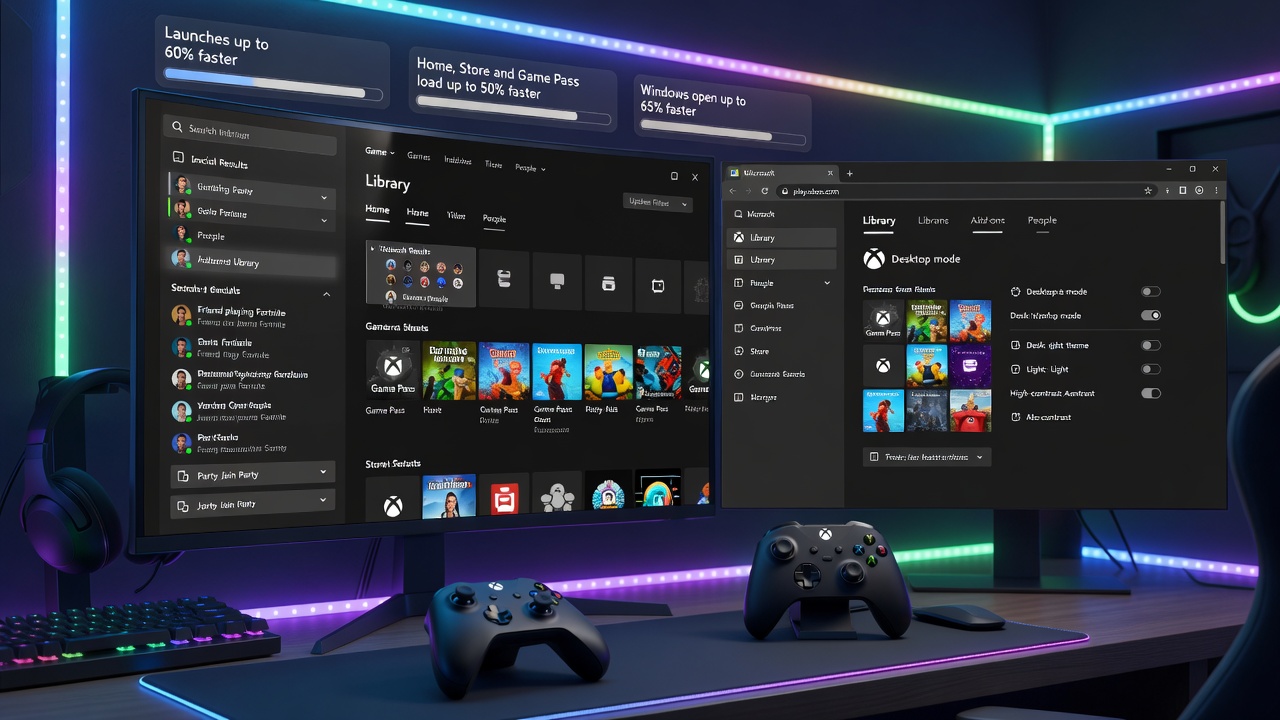
Microsoft has started testing a redesigned Xbox PC app that it says opens up to 60% faster than before. Xbox Insiders on Windows can try the preview starting November 5, 2026, and the update also moves friends into the main menu and adds a single search bar for games, add-ons and people.
How Much Faster Is the New App?
According to Microsoft's own tests, the app itself launches up to 60% faster. The Home, Store and Game Pass pages load up to 50% faster, and windows inside the app open up to 65% faster. Microsoft cautions that results depend on your PC, internet connection and setup, so these figures should be read as best-case numbers rather than guaranteed performance for every user.
Launch speed has long been a weak point for the app, particularly when compared with Steam. The Verge reports that the new design also works better with a controller, which matters for handheld devices such as the Xbox Ally.
What Else Changes in the Redesign?
- The Library has simpler navigation, updated filters and new ways to organize games.
- Friends and social features sit in the main navigation, so you can see what friends are playing, start a chat or join a party.
- One search box now covers games, installed titles, add-ons and people.
- Game cards, Home, Settings and animations have a cleaner look.
What Is Coming to Xbox Cloud Gaming?
Cloud gaming streams titles from Microsoft's servers instead of requiring them to be installed locally. Over the next few weeks, the refreshed web version at play.xbox.com will reach more players automatically. It adds a Library tab for cloud games you own or access through Game Pass, a desktop mode for large screens, and dark and light themes with five new high-contrast options.
How Can You Try the New App Now?
To join the preview, install the Xbox Insider Hub from the Microsoft Store, open Previews, find PC Gaming and click Join. When the status changes to Manage, restart your PC and update the Xbox app from the Microsoft Store. Microsoft has not said when every user will receive the new app.